
Struggling with IPTV Smarters Pro in Australia 2026 ? Here’s the Fix
Many users across Australia are facing significant hurdles with their digital setups in 2026, experiencing frustrating buffering and dropouts. This guide provides technical solutions to optimise your configuration for reliable, high-quality streaming.
Key Takeaways
- Identify and bypass network bottlenecks and ISP throttling.
- Adjust buffer and hardware decoding settings for smoother playback.
- Clear cache files and manage background processes to improve app performance.
- Use a reliable VPN to secure your connection and bypass geo-blocking.

| Problem | Recommended Fix |
|---|---|
| Login Failed | Check Playlist URL or use a VPN |
| Constant Buffering | Increase Buffer Size or switch to Ethernet |
Understanding Performance Issues & Network Throttling
If you are frustrated by buffering or login loops, the root cause often lies in factors outside of your immediate app configuration. Local network congestion is a frequent culprit. When multiple devices compete for bandwidth, your connection speed inevitably suffers, creating a bottleneck that prevents high-definition content from delivering smoothly.
Furthermore, Australian internet service providers (ISPs) sometimes implement traffic shaping policies. They may detect high-bandwidth streaming activity and intentionally throttle your connection speed, especially during peak evening hours. To bypass these regional hurdles and ISP throttling, utilizing a Virtual Private Network (VPN) is highly recommended. A VPN encrypts your traffic and masks your IP address, making it harder for your ISP to throttle your connection while also allowing you to bypass geo-blocking restrictions.
Looking for a secure connection? Check out our guide on the Best VPN for Australia.

Common Login and Authentication Errors
Persistent login failures block access to your library and often stem from a mismatch between your credentials and the server’s database. Ensure that your M3U playlist or Xtream Codes API details are entered without any hidden spaces. If the authentication server cannot be reached, you will be locked out. Always verify that your subscription is active before assuming the fault lies with your device.
Optimising Your Internet Connection for Seamless Streaming
Achieving a seamless experience requires a robust internet connection. High latency can cause significant delays, even if your download speed is fast. Aim for a low ping to keep your stream responsive.
Switching Between Wi-Fi and Ethernet Connections
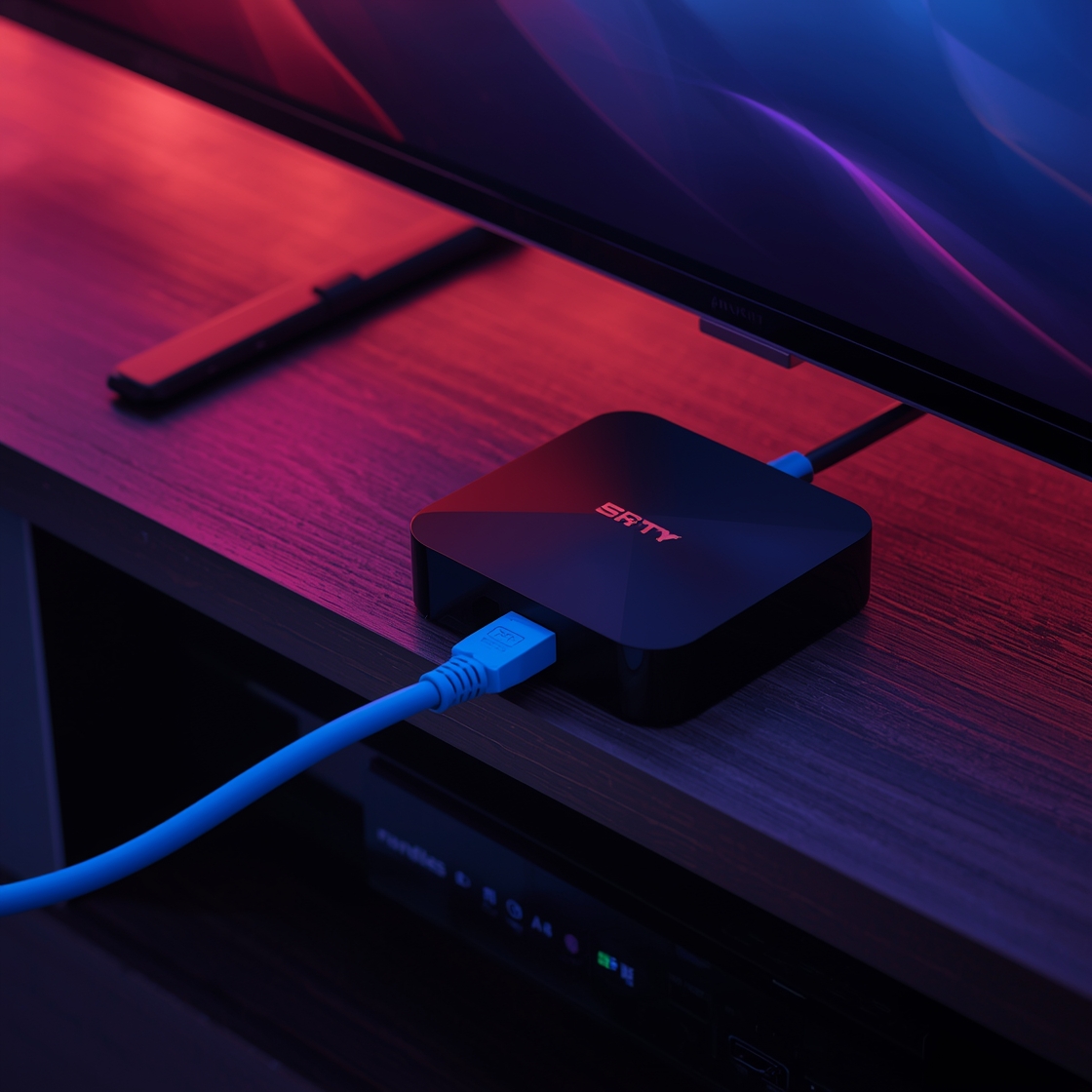
While Wi-Fi is convenient, it is prone to interference. Using a wired Ethernet connection reduces packet loss and maintains a stable link:
- Direct connection: Plugging directly into the router eliminates wireless signal drops.
- Reduced interference: Ethernet cables bypass electronic appliance interference.
- Better stability: Provides the consistent throughput needed for high-quality streaming.
Configuring DNS Settings
Your default internet settings might limit access to certain content providers. Manually configuring your DNS settings to a public provider (like Google DNS or Cloudflare) can lead to faster lookup times and bypass local restrictions.
Mastering Settings for Better Playback
Fine-tuning internal controls is an effective way to eliminate common playback frustrations.
Adjusting Hardware Decoding Options
An overloaded CPU often causes video stuttering. When your device processes high-definition streams using only software decoding, it struggles to keep up. Enabling hardware decoding offloads intensive tasks to your device’s dedicated graphics processor. This change allows for more efficient video rendering, reducing frame drops and audio-sync issues.

Managing Buffer Size and Cache Settings
Memory-related crashes occur when your cache overflows, causing sluggishness or unexpected closures. Regularly clear your cache to free up system resources.
Additionally, increasing your buffer size provides a safety net against minor network fluctuations. If you experience frequent pauses, a larger buffer allows the app to pre-load more content.
Troubleshooting Your Box and Hardware Setup
The physical health of your device dictates the overall stability of your stream. Most performance glitches stem from neglected system resources.
Clearing App Cache and Data on Android TV
Temporary files accumulate over time, leading to stuttering or app crashes. Navigate to your device settings, select the Apps menu, locate your streaming application, and choose clear cache. If issues persist, clear the app data (note: this resets login credentials).
Updating Firmware and Managing RAM
Keeping your device firmware updated is critical. Manufacturers frequently release patches that improve hardware communication with modern streaming protocols.
Furthermore, hidden background processes consume valuable RAM. Close unused apps manually to ensure your hardware runs smoothly and maintains a high-quality buffer.
| Maintenance Task | Frequency | Primary Benefit |
|---|---|---|
| Clear App Cache | Weekly | Resolves minor glitches |
| Firmware Update | Monthly | Ensures compatibility |
| Manage RAM | Daily | Prevents system lag |
Verifying Your Subscription and Service Provider Status
Verify your M3U playlist validity by opening the URL in a web browser to see if the server responds with active data. A 404 error indicates a corrupted or unsupported playlist. Additionally, log in to your account dashboard to verify that your plan is active and paid in full, as expired credentials are a common cause of sudden service interruptions.
Tired of Unreliable Providers?
Switch to IPTVService.com.au. Enjoy buffer-free, 4K streaming optimized for Australian networks with over 22,000 live channels. Never miss a moment of AFL, NRL, or premium entertainment.
View Premium Plans (From $19 AUD)Conclusion
Achieving a smooth viewing experience requires network tuning, hardware care, and smart app management. Regular maintenance of your environment keeps your stream stable and reliable during peak viewing hours. Stay proactive by keeping your firmware current, utilising a VPN, and monitoring your connection health.
FAQ
Why am I having trouble with my streams in Australia during 2026?
How can I stop my Australian internet provider from throttling my connection?
What is the best way to improve connection stability?
My app keeps crashing; how can I fix the internal settings?