The Best Way to Get IPTV Smarters Pro for 5 Devices Today
Trying to run IPTV Smarters Pro across your family’s devices without breaking the bank? You’re not alone. Thousands of Aussies are ditching traditional cable for this powerful streaming solution, but getting it properly set up for multiple screens can be a proper headache without the right guidance.
- IPTV Smarters Pro supports multi-device streaming with a single subscription when properly configured
- Official downloads from Google Play Store and Apple App Store ensure safety and regular updates
- You’ll need a legitimate IPTV subscription with multi-connection support for 5 devices
- VPN usage is recommended for privacy and accessing geo-restricted content in Australia
- Setting up custom EPG and playlists can significantly enhance your viewing experience across all devices
What is IPTV Smarters Pro and Why It’s Popular in Australia
IPTV Smarters Pro has emerged as one of the most versatile IPTV players on the market, particularly among Australian cord-cutters looking for flexible viewing options. At its core, it’s a media player application designed specifically for Internet Protocol Television (IPTV) services, offering a user-friendly interface that makes streaming content across multiple devices remarkably straightforward.
Unlike traditional broadcasting methods that rely on satellite signals or cable infrastructure, IPTV delivers television content over internet protocols. This technology has gained massive traction in Australia, especially in metropolitan areas like Sydney, Melbourne, and Brisbane, where high-speed NBN connections make streaming 4K content a breeze. The application itself doesn’t provide content – instead, it serves as a sophisticated gateway to your chosen IPTV subscription service.
What sets IPTV Smarters Pro apart from competitors like Perfect Player or GSE Smart IPTV is its remarkable balance of features and usability. The interface is intuitive enough for your tech-challenged relatives to navigate, while still offering advanced customisation options that would satisfy even the most demanding power users in Perth or Adelaide. The application supports various content formats and offers features like electronic program guides (EPG), catch-up TV, and video-on-demand.
For Australian users specifically, the multi-device capability is a game-changer. Whether you’re watching the footy in the living room while someone else catches up on reality shows in the bedroom, or you want to continue your series on your phone during the commute to work, IPTV Smarters Pro handles it all with minimal fuss. This flexibility explains why it’s become the go-to choice for households looking to extend their viewing experience across multiple screens.
What many don’t realise is that IPTV Smarters Pro isn’t just for Android devices – it’s available across virtually every major platform including iOS, Android TV, Amazon Fire TV, and even Windows PCs. This cross-platform compatibility is particularly valuable for Australian households with mixed ecosystems of devices, eliminating the headache of juggling different apps for different screens.

Understanding Multi-Device Support for IPTV Smarters Pro
When it comes to running IPTV Smarters Pro on multiple devices, there’s a critical distinction many Australians miss: installing the app on five devices isn’t the same as streaming on five devices simultaneously. The app itself can be installed on as many devices as you wish, but your ability to watch content on multiple screens simultaneously depends entirely on your IPTV subscription’s connection limit.
Most basic IPTV subscriptions offer just 1-2 connections, meaning you can only stream on one or two devices at the same time regardless of how many devices have the app installed. Premium subscriptions, however, typically offer 4-5 connections, which is perfect for larger households from Hobart to Darwin where different family members want to watch different content simultaneously. This is where understanding the technical aspects of your subscription becomes crucial.
Connection limits work through IP detection – when you start streaming on a device, your subscription registers that IP address as an active connection. If you try to exceed your connection limit, you’ll typically encounter error messages like “Maximum connections reached” or experience buffering issues. The good news is that most quality providers like iptvservice offer multi-connection packages designed specifically for families wanting to stream across multiple devices.
It’s worth noting that connections aren’t permanently assigned to specific devices. If your subscription allows for 5 connections, you could have IPTV Smarters Pro installed on 10 different devices, but only 5 can actively stream at once. This flexibility is particularly useful for Aussies who might want to switch between watching on their smart TV, tablet, or phone depending on where they are in the house or even when they’re away from home.
For optimal performance across multiple devices, your home network setup matters tremendously. A dual-band router that can handle multiple simultaneous connections is essential, particularly if some of your devices will be streaming HD or 4K content. Most modern NBN connections in Australian metropolitan areas provide sufficient bandwidth, but those in regional areas might need to consider connection quality when planning multi-device streaming setups.
| Number of Connections | Typical Use Case | Recommended Internet Speed |
|---|---|---|
| 1 Connection | Single user or device | 25 Mbps minimum |
| 2 Connections | Couples or small apartments | 50 Mbps recommended |
| 3-4 Connections | Small families | 75 Mbps recommended |
| 5+ Connections | Large households or shared living | 100+ Mbps recommended |
Downloading and Installing IPTV Smarters Pro Across Multiple Platforms
Getting IPTV Smarters Pro installed across your 5 devices is remarkably straightforward, but there are platform-specific considerations that can make the process smoother. For Android devices including phones, tablets, and Android TV boxes that are popular in Australian homes, the application is available directly from the Google Play Store. Simply search for “IPTV Smarters Pro” and select the official app developed by WHMCS SMARTERS. Be wary of lookalike applications – there are several clones with similar names that could potentially contain malware or adware.
For Apple enthusiasts, IPTV Smarters Pro is available on the App Store for both iPhone and iPad. The iOS version offers virtually identical functionality to its Android counterpart, though with interface tweaks that make it feel native to Apple’s ecosystem. If you’re in Canberra or Gold Coast with a mixed household of Android and iOS devices, you’ll appreciate the consistent experience across platforms despite the different operating systems.
When it comes to television viewing, many Australians prefer the larger screen experience. For Amazon Fire TV Stick users, IPTV Smarters Pro can be downloaded directly from the Amazon App Store. This version is optimized for remote control navigation, making it particularly user-friendly for living room viewing. Similarly, if you’re using a dedicated Android TV box or a smart TV running Android TV, the Google Play Store version works flawlessly with remote controls.
For those who prefer watching on computers, there’s a Windows version available from the official IPTV Smarters website, though not through the Microsoft Store. The desktop version gives you the flexibility of a larger screen and keyboard controls, which can be particularly useful for managing playlists and settings. This versatility explains why according to Statista’s television viewing data, more Australians are watching content on multiple device types rather than solely on traditional TV sets.
One common mistake Australian users make is downloading the standard version rather than the Pro version. While both are developed by the same company, the Pro version offers more features and better stability – crucial for households planning to use the application across multiple devices simultaneously. The good news is that the Pro version doesn’t cost anything extra; it’s free to download across all platforms despite the “Pro” designation.

Best way to get IPTV Smarters Pro for 5 devices today — iptvservice.com.au
Configuring IPTV Smarters Pro for Optimal Multi-Device Experience
Once you’ve installed IPTV Smarters Pro across your devices, proper configuration becomes the key to a seamless multi-device experience. The first step is ensuring consistent playlist and EPG setup across all devices. While it might be tempting to configure each device individually, using the backup and restore feature is far more efficient. Set up one device exactly how you want it, create a backup file, and then restore that configuration on your other devices – this ensures identical channel lists, favourites, and settings across your entire ecosystem.
For Australians juggling work and home life, the app’s parental control features are particularly valuable when configuring family devices. You can set up age restrictions on children’s devices while maintaining unrestricted access on your personal devices. This functionality is especially appreciated by families in suburban areas like Wollongong or Geelong, where parents want to ensure appropriate content for kids without limiting their own viewing options.
Device-specific optimisation can significantly improve your experience. On lower-powered devices like older smartphones or basic Fire TV Sticks, enabling hardware acceleration and reducing the buffer size can prevent playback stuttering. Conversely, if you’re watching on a high-end smart TV connected to NBN in Sydney’s Eastern Suburbs, increasing the buffer size can help maintain 4K quality during peak usage hours. The IPTV technology is remarkably adaptable, but requires these tweaks for optimal performance across varied hardware.
Another critical aspect of multi-device configuration is synchronising favourites. IPTV Smarters Pro allows you to create favourites lists that can be exported and imported across devices. This means your carefully curated sports channels on your living room TV can be identical to what you access on your phone during the train commute to work. This consistency eliminates the frustration of hunting for channels when switching devices – a common pain point for IPTV users.
When it comes to streaming quality, the automatic quality selection feature is your best friend for managing bandwidth across multiple active devices. This feature dynamically adjusts streaming quality based on available bandwidth, ensuring that if someone starts streaming in another room, your viewing experience doesn’t suffer from buffering. This adaptive streaming technology is particularly valuable for shared households in areas like Newcastle or Townsville where internet infrastructure might be less robust than in capital cities.
Securing the Best IPTV Subscription for Multiple Devices
While IPTV Smarters Pro is just the player, the heart of your streaming experience is your IPTV subscription. For Australian households looking to stream across 5 devices simultaneously, choosing the right provider is critical. The first consideration should be connection limits – you’ll need a subscription explicitly offering 5 or more simultaneous connections. Many providers advertise multi-connection packages, but the actual reliability of these connections varies dramatically between services.
Quality providers serving the Australian market typically offer tiered packages based on connection count. You’ll find basic single-connection plans starting around $15-20 monthly, while 5-connection packages generally range from $50-70 monthly. While the higher price point might initially seem steep compared to traditional streaming services, the comprehensive content offering (including international channels, sports packages, and on-demand libraries) typically delivers superior value for multi-viewer households.
Server location plays a crucial role in streaming quality for Australian users. Providers with servers in Sydney, Melbourne or Singapore typically offer better performance than those routing traffic through Europe or North America. This geographical advantage translates to reduced buffering and higher picture quality, especially during peak viewing hours when networks are congested. For residents of regional areas like Ballarat or Bundaberg, where internet infrastructure might be less robust, server proximity becomes even more important.
Another critical factor is the stability of the provider’s API and backend systems. Some budget providers oversell their capacity, resulting in connection drops during popular events like AFL Grand Finals or cricket matches. Reading user reviews from other Australian customers can help identify providers with robust infrastructure capable of handling multiple simultaneous connections without degradation. Forums like Whirlpool often contain Australian-specific discussions about IPTV provider reliability.
When evaluating subscription options, consider providers offering “connection pooling” – an advanced feature that optimizes how your multiple devices share your connection limit. Rather than treating each device connection as completely separate, this technology intelligently manages bandwidth allocation based on what’s being viewed. For example, if three devices are streaming the same channel (common during major sporting events), the system might count this as fewer connections, effectively extending your device limit.
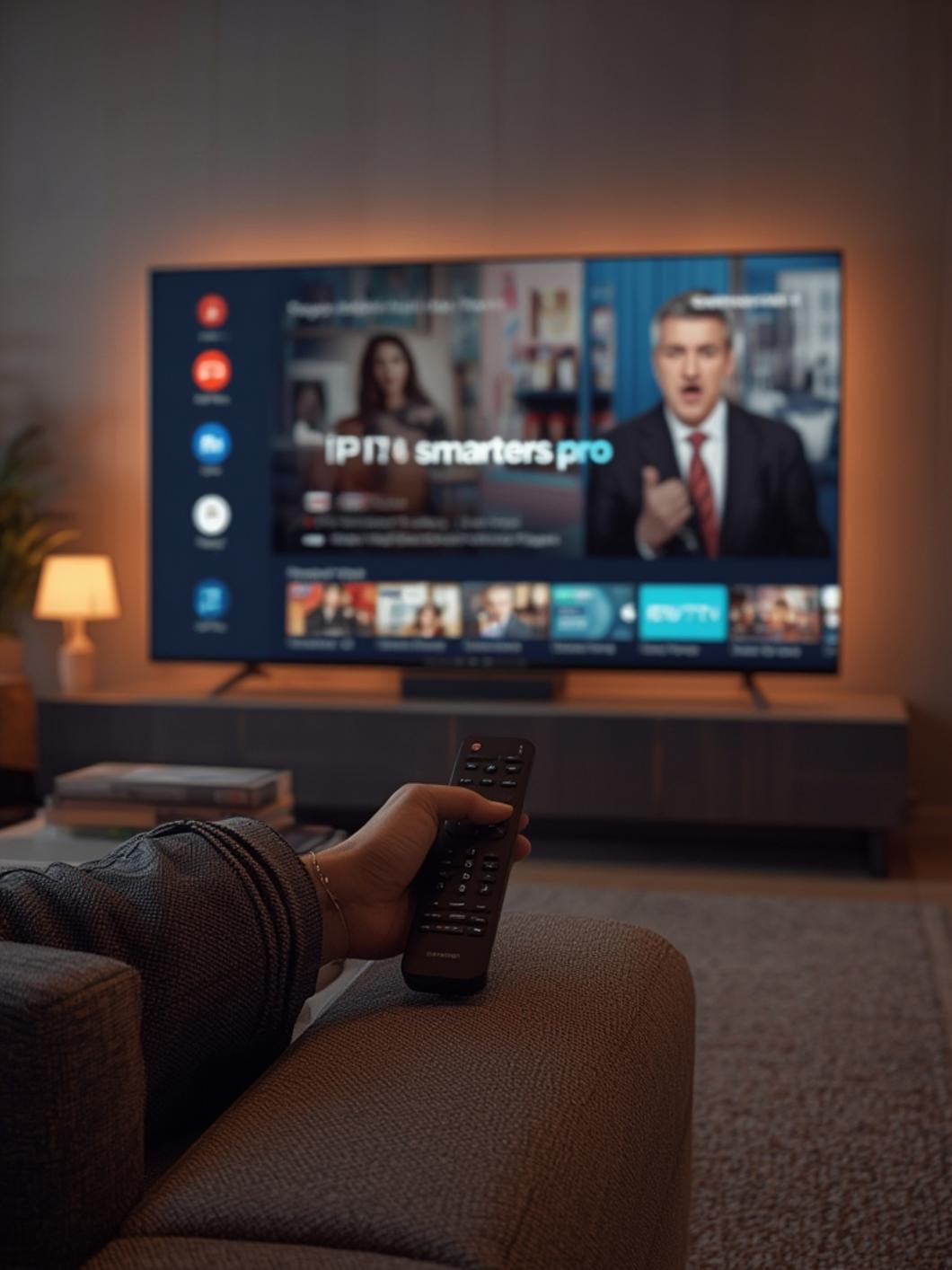
iptv smarters pro setup, iptv smarters devices — iptvservice.com.au
| Feature to Consider | Why It Matters for Multi-Device Setup |
|---|---|
| Connection Limit | Must support at least 5 simultaneous streams for your household needs |
| Server Location | Australia/Asia Pacific servers reduce latency for better streaming quality |
❓ Frequently Asked Questions
Can I use the same login credentials across all 5 devices?
Yes, you can use the same IPTV subscription credentials across all devices running IPTV Smarters Pro. The limitation isn’t on how many devices have the app installed, but rather how many can actively stream simultaneously, which depends on your subscription’s connection limit.
Do I need separate IPTV Smarters Pro accounts for each device?
No, IPTV Smarters Pro doesn’t require separate accounts. The app itself is just a player – you’ll use your IPTV subscription credentials within the app on each device, but the app doesn’t have its own account system.
Will using a VPN count against my connection limit?
No, using a VPN doesn’t affect your connection limit. Your IPTV provider counts connections based on unique session identifiers, not IP addresses. You can have all 5 devices connected through the same VPN without any issues.
Is IPTV Smarters Pro legal to use in Australia?
IPTV Smarters Pro is simply a media player application and is completely legal to download and use in Australia. However, the legality of the content you access through it depends on your IPTV subscription provider and the licensing arrangements they have in place.
Can I watch different channels on each device simultaneously?
Absolutely. Each device can stream completely different content simultaneously, provided your IPTV subscription supports the number of concurrent connections you’re using. This is perfect for families where different members want to watch different programs.
🎯 Final Verdict
Setting up IPTV Smarters Pro across 5 devices doesn’t have to be complicated. With the right subscription offering sufficient connections, proper configuration across your devices, and attention to network quality, you can create a flexible, powerful streaming ecosystem for your entire household. The key is selecting a provider that offers reliable multi-connection support with servers optimized for Australian viewers. For those seeking the Best Prices on IPTV subscriptions with multiple connections, providers like iptvservice.com.au offer packages specifically designed for Australian multi-device households. Whether you’re in a Sydney apartment or a Queensland beach house, the combination of IPTV Smarters Pro and a quality subscription will transform how your family consumes content – bringing unprecedented flexibility and value compared to traditional pay TV services.